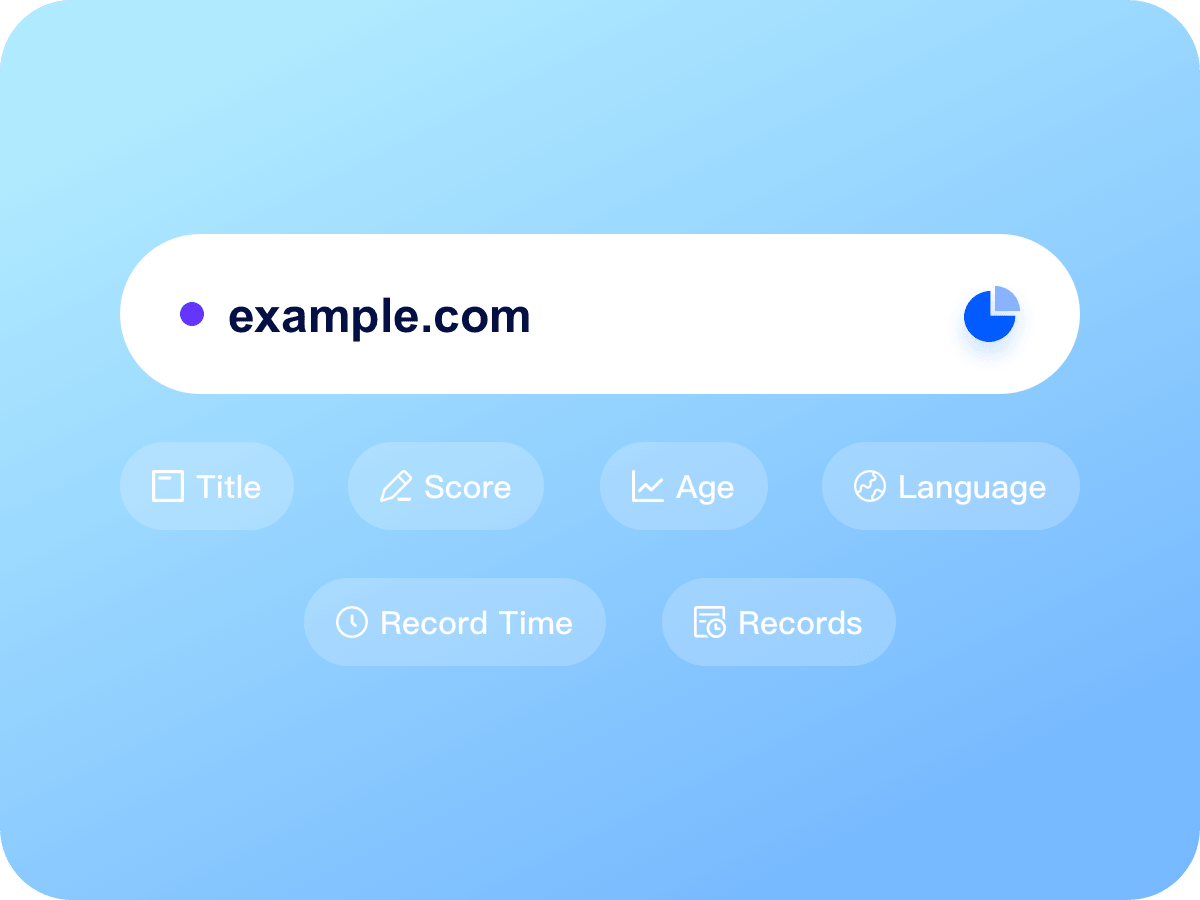

Site history lookup

Analyze historical site titles and snapshots to identify past misuse, sensitive content, or bad records

Site history
Site history (multi-title)
Count: 0
Points required: 0/0
Results
Note: Results are for reference only. Data accuracy is not 100% guaranteed.
Total queried: 0
Used / returned: 0/0
Done / failed: 0/0

Integrated site history analysis

Frequently asked questions

What is the site history tool used for?

It analyzes a domain's past usage, including: Duration & Age (how long the site was active); Content snapshots (visualizing past versions); Risk detection (flagging sensitive/illegal content); and technical data (language, page size). This prevents purchasing domains with a 'black history' that could harm SEO or cause legal issues.

Why check site history and age?

SEO value: Aged domains with consistent history often have higher trust. Risk mitigation: Avoid domains previously used for gambling or fraud. Value assessment: Understand past use (business vs spam) to determine market value.

Which specific data points are supported?

History duration, domain age, start date, historical titles, language, page size, and sensitive content detection.

How do I identify 'bad content'?

The system uses keyword detection on historical titles. If violations (illegal, gambling, etc.) are found, it is flagged. Visual algorithm or manual review can also identify spam or GFW-blocked sites.

What is the difference between domain age and site duration?

Domain age is the time since registration. Site duration is the time the domain was actively hosting a site. For SEO, consistent site duration is more valuable than just registration age.

Why is language or page size data sometimes missing?

If a record is text-only or the snapshot didn't load fully, data may be incomplete. Redirection states (404, 301) can also cause gaps.